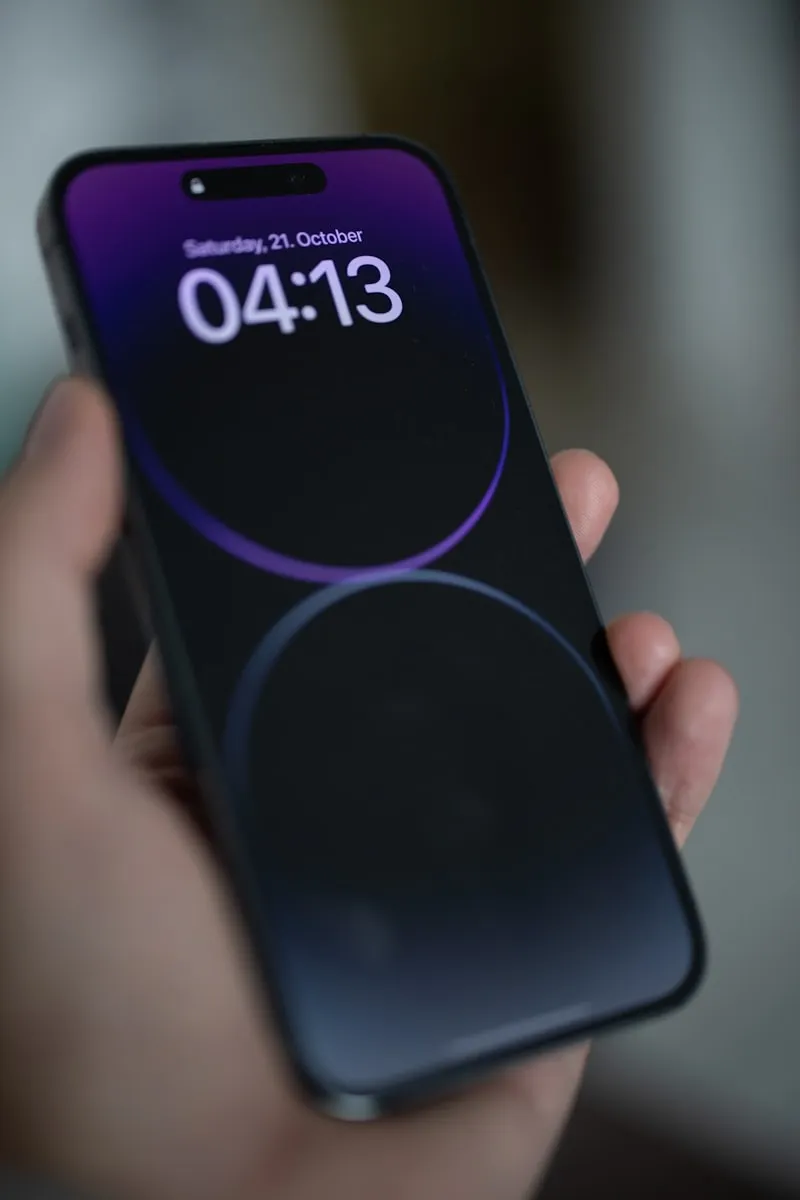
If you prefer the DIY route or don't have a Universal Cleaner handy, here's the complete step-by-step process to clean iphone speakers effectively at home.
Step-by-Step Guide
Power Off iPhone
Turn off your iPhone completely before attempting any cleaning.
Use Soft Brush
Gently brush speaker grills with clean, dry, soft-bristled brush.
Try Painter's Tape
Roll tape into sticky side out cylinder. Press on speakers to lift debris.
Use Wooden Toothpick
Very gently dislodge visible debris. Be extremely careful not to push in.
Compressed Air
Short bursts at angle - never directly into speaker. Hold can upright.
Test Audio
Power on and play audio to test improvement.
Pro Tips
- Never use liquid cleaners on iPhone speakers
- Don't use sharp metal objects
- Consider a phone case that covers speakers when not in use
Just Order Our Universal Cleaner
All these DIY solutions work great, but they take time and effort to prepare. If you'd rather skip the hassle and get professional results in minutes, Gharista's Universal Cleaner is your answer. One eco-friendly product for all your cleaning needs.