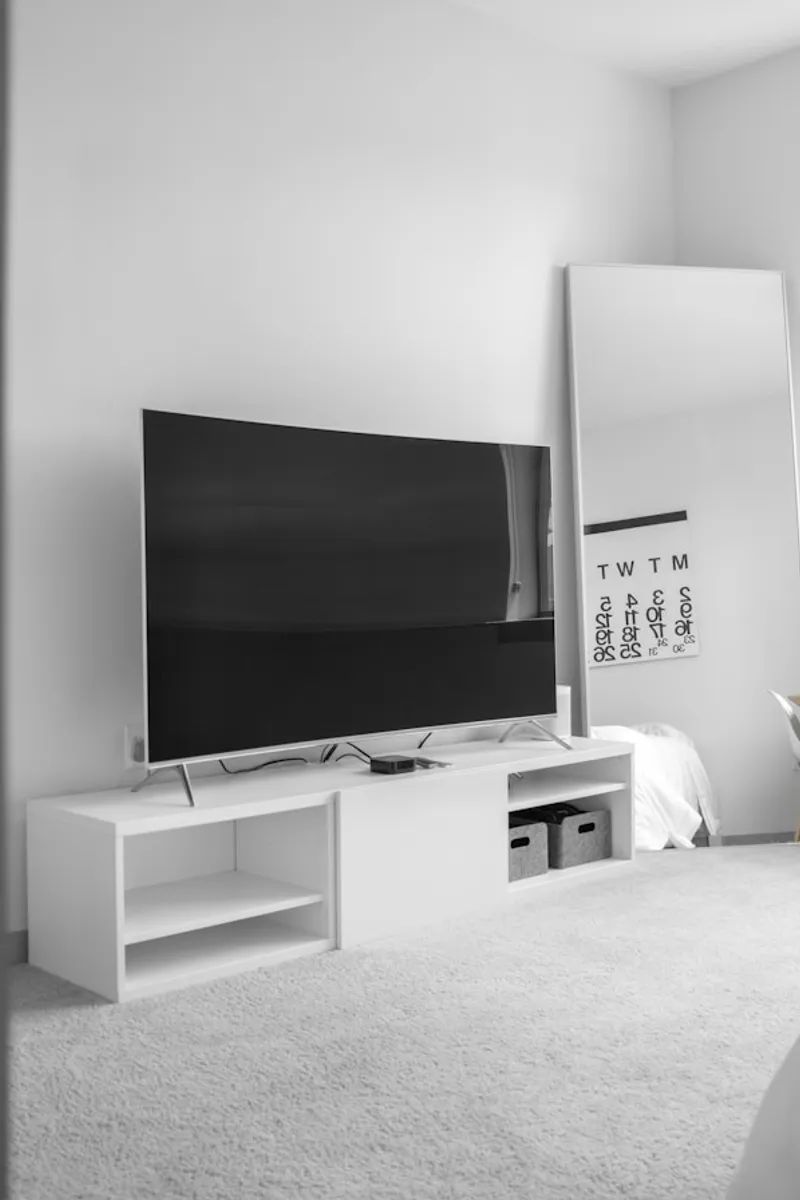
If you prefer the DIY route or don't have a Universal Cleaner handy, here's the complete step-by-step process to clean tv screen effectively at home.
Step-by-Step Guide
Turn Off TV
Power off and unplug TV. Let it cool down. Dark screen shows dirt better.
Dust First
Use dry microfiber cloth to gently remove dust. No pressure.
Prepare Solution
Mix distilled water with tiny drop of dish soap. Or use 1:1 distilled water and white vinegar.
Dampen Cloth
Spray solution onto microfiber cloth - never directly on screen.
Wipe Gently
Wipe screen in gentle circular motions. Don't press hard on LCD/OLED.
Dry Immediately
Use dry microfiber cloth to remove all moisture before turning on.
Pro Tips
- Never use Windex, alcohol, or ammonia on TV screens
- Clean TV screen monthly or when visibly dirty
- Use separate cloth for TV - don't share with other surfaces
Just Order Our Universal Cleaner
All these DIY solutions work great, but they take time and effort to prepare. If you'd rather skip the hassle and get professional results in minutes, Gharista's Universal Cleaner is your answer. One eco-friendly product for all your cleaning needs.