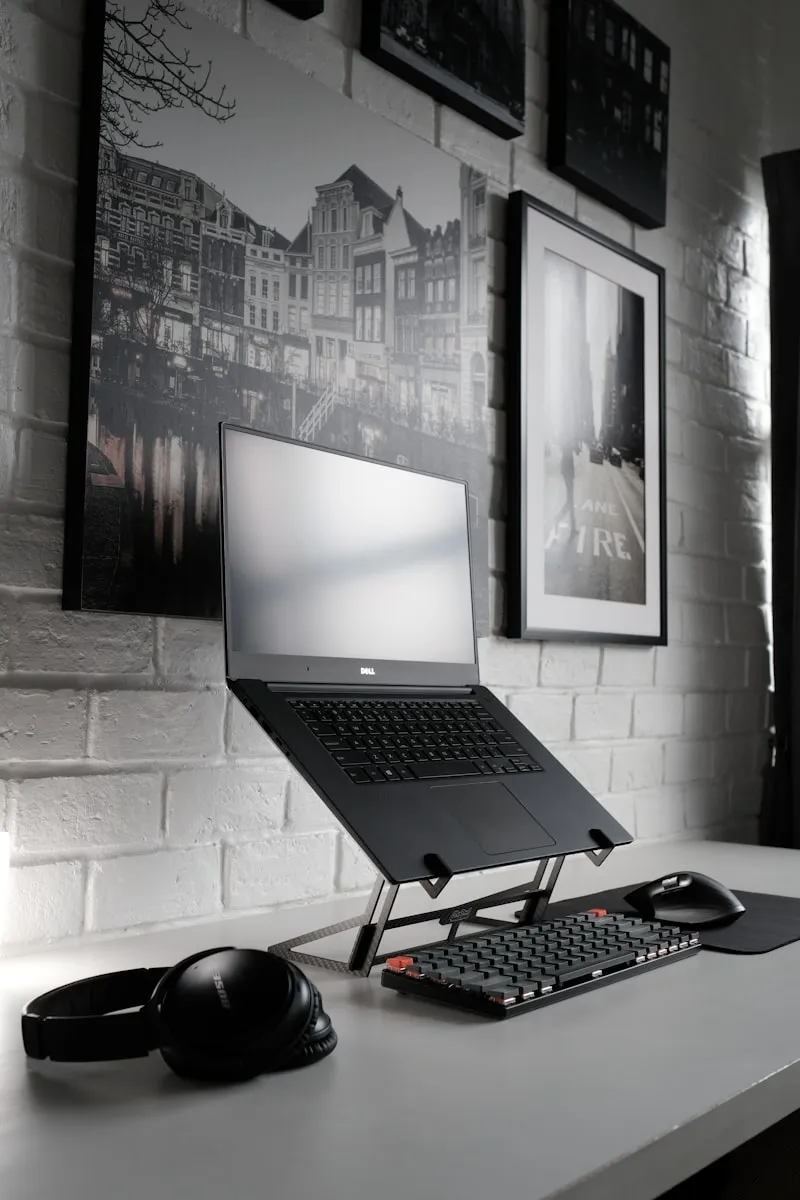
If you prefer the DIY route or don't have a Universal Cleaner handy, here's the complete step-by-step process to clean laptop effectively at home.
Step-by-Step Guide
Power Off Completely
Shut down laptop, unplug, and remove battery if possible.
Clean Keyboard
Turn laptop upside down and shake gently. Use compressed air between keys.
Wipe Keys
Dampen cloth with isopropyl alcohol. Wipe each key and surrounding area.
Clean Screen
Use distilled water and vinegar solution on microfiber cloth. Wipe gently.
Clean Vents
Use compressed air to blow dust from vents. This improves cooling.
Wipe Exterior
Clean case with slightly damp cloth. Use alcohol for sticky spots.
Clean Trackpad
Wipe trackpad with same alcohol solution used for keyboard.
Pro Tips
- Clean laptop monthly for optimal performance
- Keep drinks away from laptop
- Use keyboard cover to prevent crumbs entering
Just Order Our Universal Cleaner
All these DIY solutions work great, but they take time and effort to prepare. If you'd rather skip the hassle and get professional results in minutes, Gharista's Universal Cleaner is your answer. One eco-friendly product for all your cleaning needs.